Free LUT · Sony S-Log3
Free S-Log3 to Rec.709 LUT
A neutral S-Log3 to Rec.709 LUT (.cube), built from Sony's published curve. Free for any project, no email.
- Input
- S-Log3, S-Gamut3.Cine or S-Gamut3
- Output
- Rec.709, BT.1886 (gamma 2.4), ACES 2.0 tone mapping
- Grid
- 33 or 65 points, .cube
- Measured
- ΔE 2000 average 0.08 (65 point) and 0.19 (33 point) against the ACES 2.0 render, on 4 real Sony S-Gamut3.Cine clips; the S-Gamut3 file is the same build, checked on the synthetic set
- License
- Free for any project
All files: S-Gamut3.Cine 33-point (0.3 MB) · S-Gamut3.Cine 65-point (2.0 MB) · S-Gamut3 33-point (0.2 MB) · S-Gamut3 65-point (1.8 MB). Version 1. Last checked 21 Oct 2026, on real S-Gamut3.Cine footage against ACES 2.0. Source: Sony's Technical Summary for S-Gamut3.Cine/S-Log3 and S-Gamut3/S-Log3.


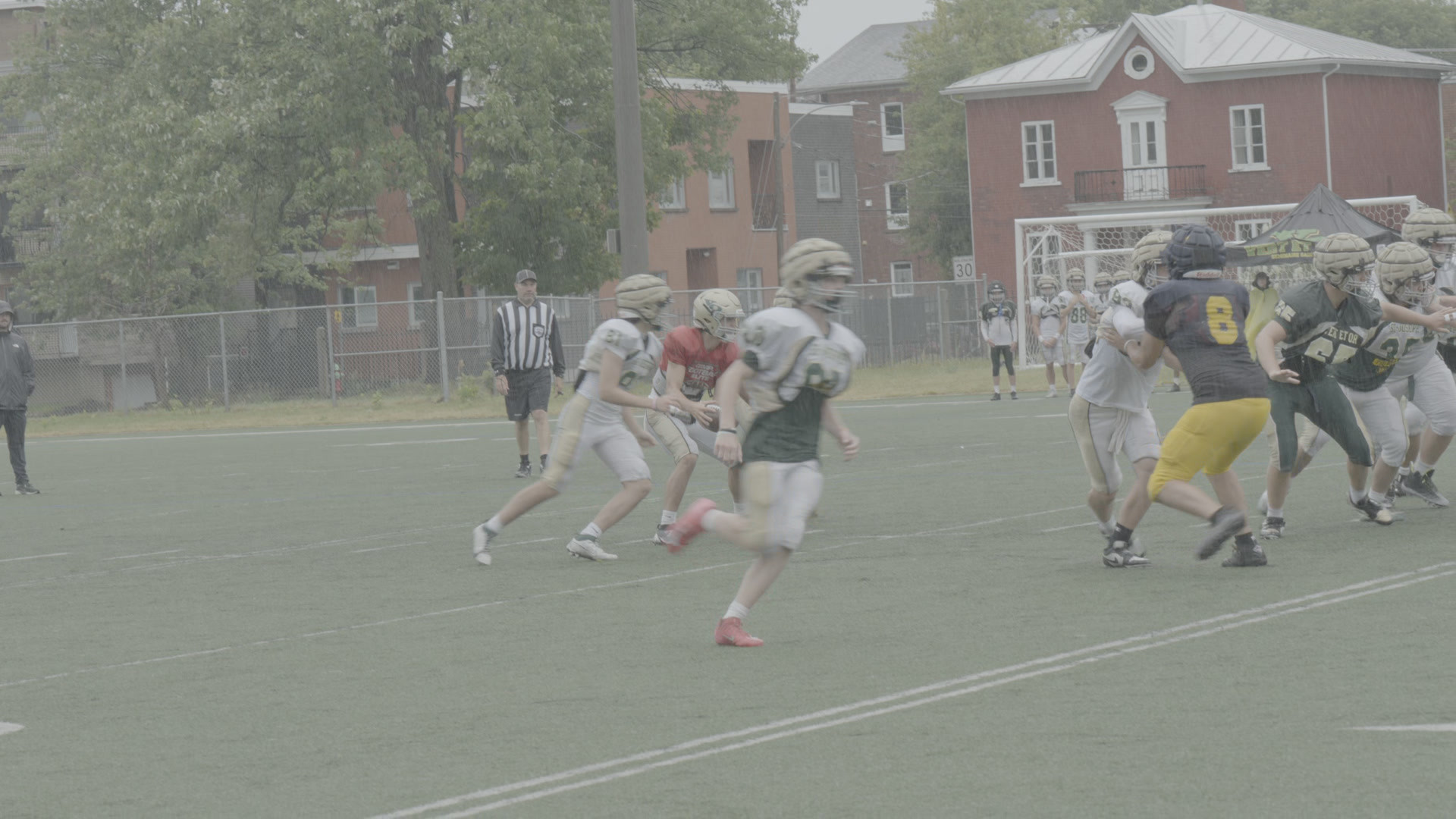
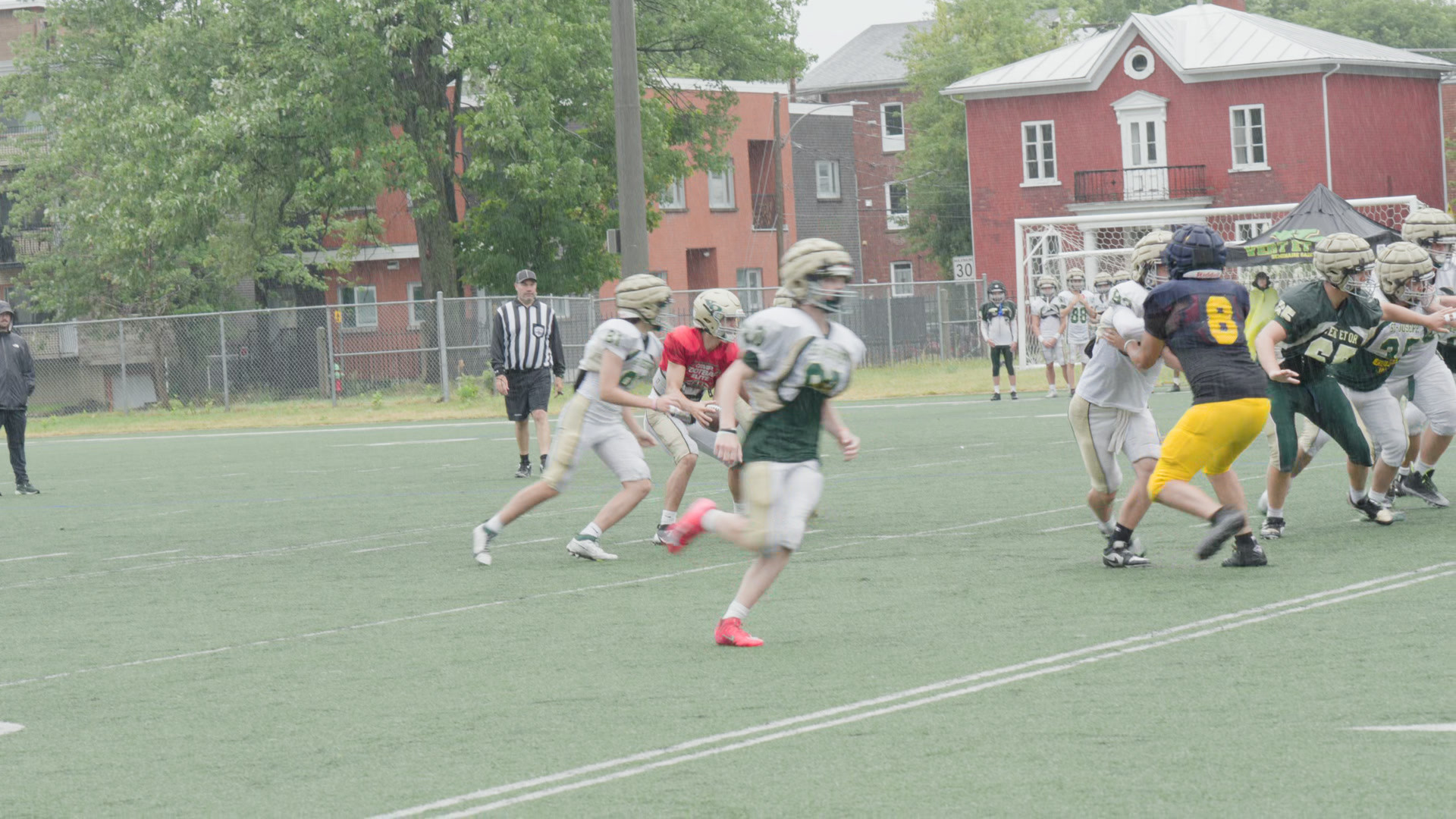
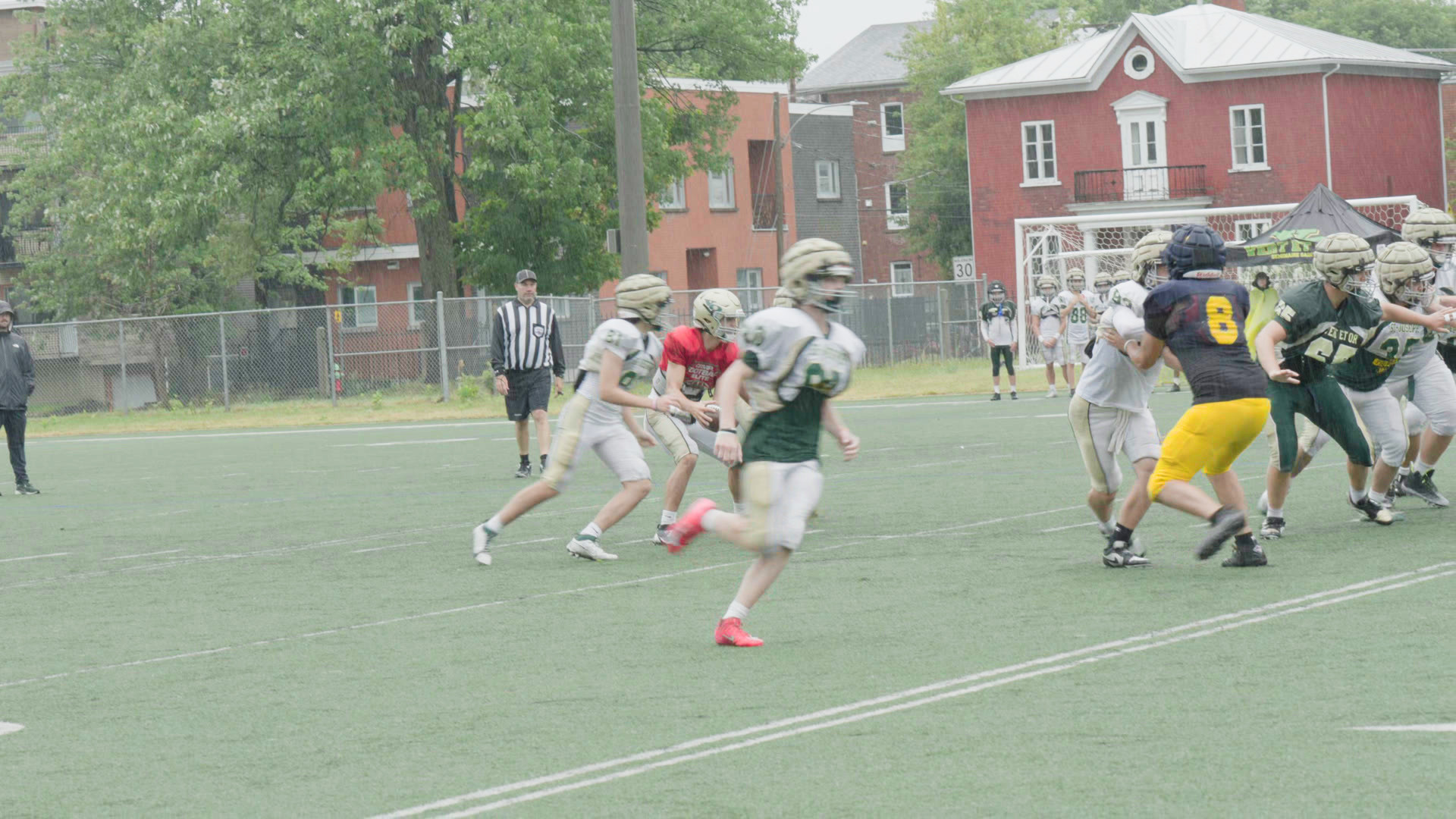
4 Sony S-Log3 clips
The LUT. The reference.Spot the difference.
Free S-Log3 to Rec.709 LUT (.cube, 33 and 65 point), free for any project, no email. Measured on real S-Gamut3.Cine footage: the same frame through this file and through the full ACES 2.0 render it is sampled from, frame by frame. The 65-point file reproduces that render to an average ΔE 2000 of 0.08, the 33-point file to 0.19.
0.08
The largest average difference from the reference across the 4 clips (ΔE 2000, 65-point file). 95% of pixels are under 0.27.
1.0
About the smallest difference an eye can see, on the same scale. The other gamut's file misses by 0.87 to 1.67; no LUT at all by 6.29 to 10.03.
Any Sony Alpha, FX or ZV that shoots S-Log3.
FX3FX30FX6A7 IVA7S IIIA1A7C IIZV-E1A6700
S-Gamut3.Cine is PP8 on Alpha cameras and the base of Cine EI on FX cameras. S-Gamut3 is PP9 on Alpha cameras. Pick the file that matches. Not VENICE: it records its own S-Log3 spaces, and this file scores there like a wrong file.
Load it
Turn the editor's own conversion off.Then add the file.
DaVinci Resolve
- Project Settings, Color Management, Lookup Tables: click Open LUT Folder, copy the file in, then click Update Lists. In the same panel, set 3D Lookup Table Interpolation to Tetrahedral.
- On the Color page, right-click the clip's thumbnail, or a node in the Node Editor, and pick the file from the 3D LUT submenu.
- Leave the clip's own conversion off: no Color Space Transform on it, and color science on DaVinci YRGB.
From DaVinci Resolve 20 reference manual, Chapter 6 “Project Settings” (Lookup Tables, pp. 151-152) and Chapter 150 “Using LUTs” (pp. 3408-3409) (Blackmagic Design, read 26 Oct 2026).
Premiere Pro
- Modify, Interpret Footage, Color Management: set Override Media Color Space to Rec.709, so Premiere does not convert the log itself.
- Lumetri Color, Basic Correction: choose the file under Input LUT.
From Basic color correction options, Premiere Pro (Adobe, read 26 Oct 2026) and Color management options, Premiere Pro (Adobe, read 13 Sep 2026).
Final Cut Pro
- Info inspector: set Camera LUT to None, which turns off log processing.
- Effects browser, Color: double-click Custom LUT. In the Video inspector's Custom LUT section, open the LUT pop-up menu, choose Choose Custom LUT and pick the file.
- This file converts from S-Log3 to Rec.709; Apple's page explains the Input and Output menus.
From Apply LUTs in Final Cut Pro for Mac (Apple, read 26 Oct 2026).
CapCut desktop
- Adjustment, LUT, Import: pick the 33-point file.
Not yet tested by us in CapCut.
From Add LUTs to a video with the CapCut desktop video editor (CapCut, read 26 Oct 2026).
Steps from each maker's own documentation, with the read date. Phone apps and monitors take the 33-point file.
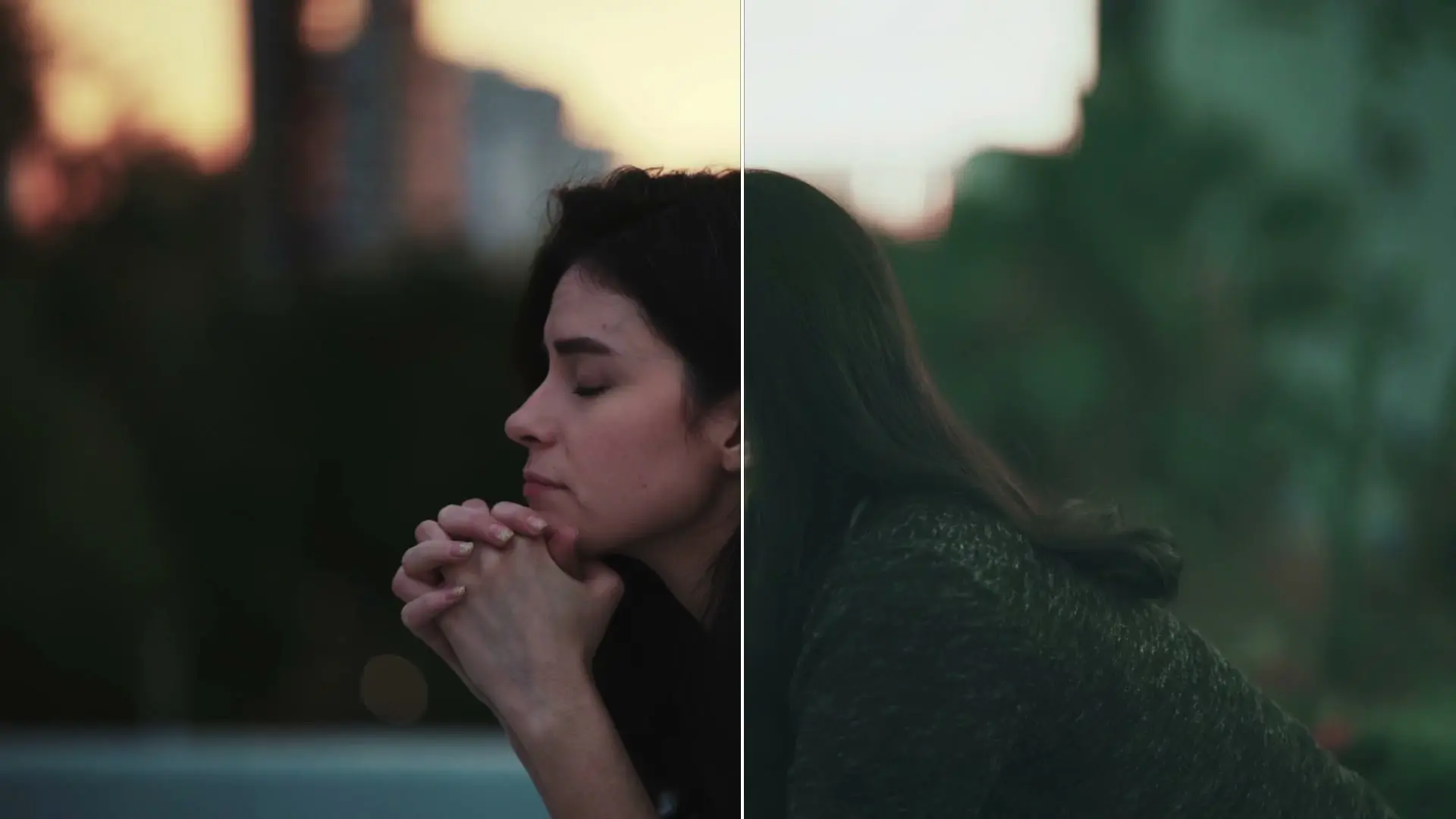
Want a look of your own?Grade it. Take the grade out as a LUT.
Match a still you love, carry it across the edit, and export free at 1080p. On Lite and Studio, download the grade as a .cube.
Use it on anything.Paid client work too.
Free for any project, including paid client work; share only unchanged; don't sell.
Built from Sony's Technical Summary for S-Gamut3.Cine/S-Log3 and S-Gamut3/S-Log3 with OpenColorIO. S-Log3, S-Gamut3 and S-Gamut3.Cine are trademarks of their owner. Not affiliated with Sony.
Before you download.
S-Gamut3.Cine or S-Gamut3?
S-Gamut3.Cine is what most S-Log3 footage is: PP8 on Alpha cameras and the base of Cine EI on FX cameras. S-Gamut3 is PP9 on Alpha cameras. To check a clip, look at Color Mode in the camera's picture profile, or at the clip's attributes in your editor. The other gamut's file shifts colors by 0.87 to 1.67 ΔE 2000 on our clips, around what an eye can just see, so it is worth getting right. Sony lists the profiles in its Picture Profile help guide (α7 IV).
Why does my S-Log3 look flat or washed out?
S-Log3 is meant to look flat: it keeps more of the scene's light for grading, and this file turns it into normal Rec.709. If it still looks gray after the LUT, the editor converted the clip twice or the clip is tagged wrong. Four causes, with the fix for each, are in why S-Log3 looks washed out.
Where do I put the file?
In the editor's LUT folder, then on the clip or a node, with the editor's own log conversion turned off. The steps for each app are above.
Before or after exposure?
Exposure first. The file expects normal S-Log3 exposure, with 18% gray at 10-bit code 420. If you exposed brighter for cleaner shadows, bring exposure down before the LUT. The values are in exposing S-Log3 correctly.
33 or 65 points?
65 points is the finishing file: the smallest error, for DaVinci Resolve, Premiere Pro and Final Cut Pro. 33 points is for phone apps, cameras and monitors that read 33 only, and it stays within 0.19 ΔE 2000 on average. Both ask for tetrahedral interpolation where the app offers it.
How was it measured?
The file is sampled from a full ACES 2.0 render, so the test asks how closely the .cube reproduces that render. 4 real Sony S-Log3 clips, all S-Gamut3.Cine, went through the pipeline and through the S-Gamut3.Cine file, and every frame was compared in ΔE 2000, where 1.0 is about the smallest difference an eye can see. The 65-point file averages at most 0.08, with 95% of pixels under 0.27; the 33-point file at most 0.19. The wrong files are far off: the other gamut's file by 0.87 to 1.67, wrong levels by 1.84 to 2.42, no LUT at all by 6.29 to 10.03. The S-Gamut3 file is the same build and passes the same gate on the synthetic set; it waits for its own clip to be measured on footage. The method is the one behind S-Log3 to Rec.709: LUT or color space transform.
Every format's free file, ours or the maker's, is on the free LUTs hub. The editor settings for each camera are in camera setup.
Grade your own clip.Free, in your browser.
Start grading free