
Skip to content

AI color grading in your browser

A faster way to color grade.

Shot matching, reference matching, Smart Grade, skin-tone protection, and manual controls—inside one focused workspace.

Studio preview

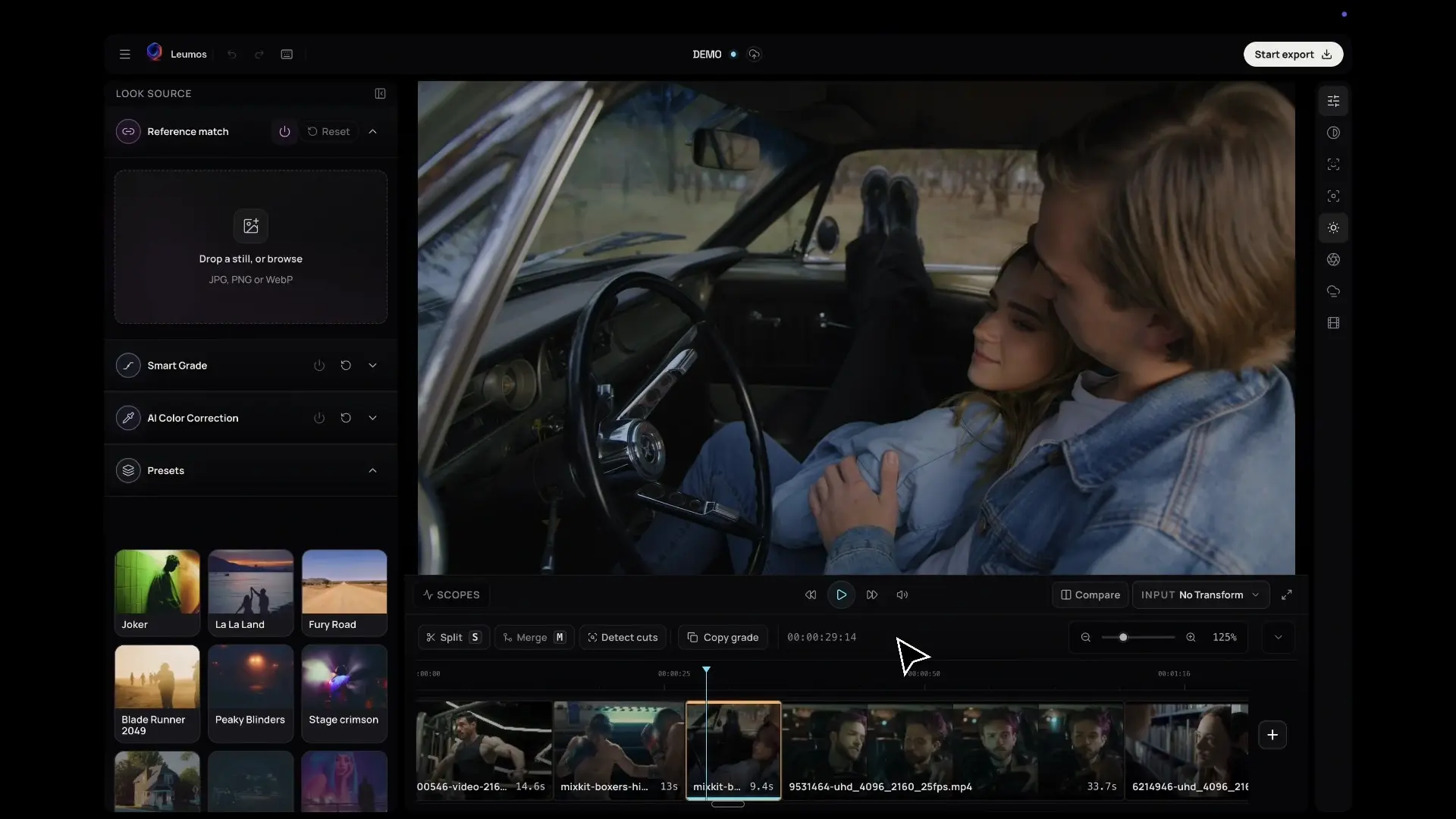
Reference beside the scene. Review in motion.

Reference, scene and scopes in one view.

Still from a Reference matching recording in Leumos Studio.

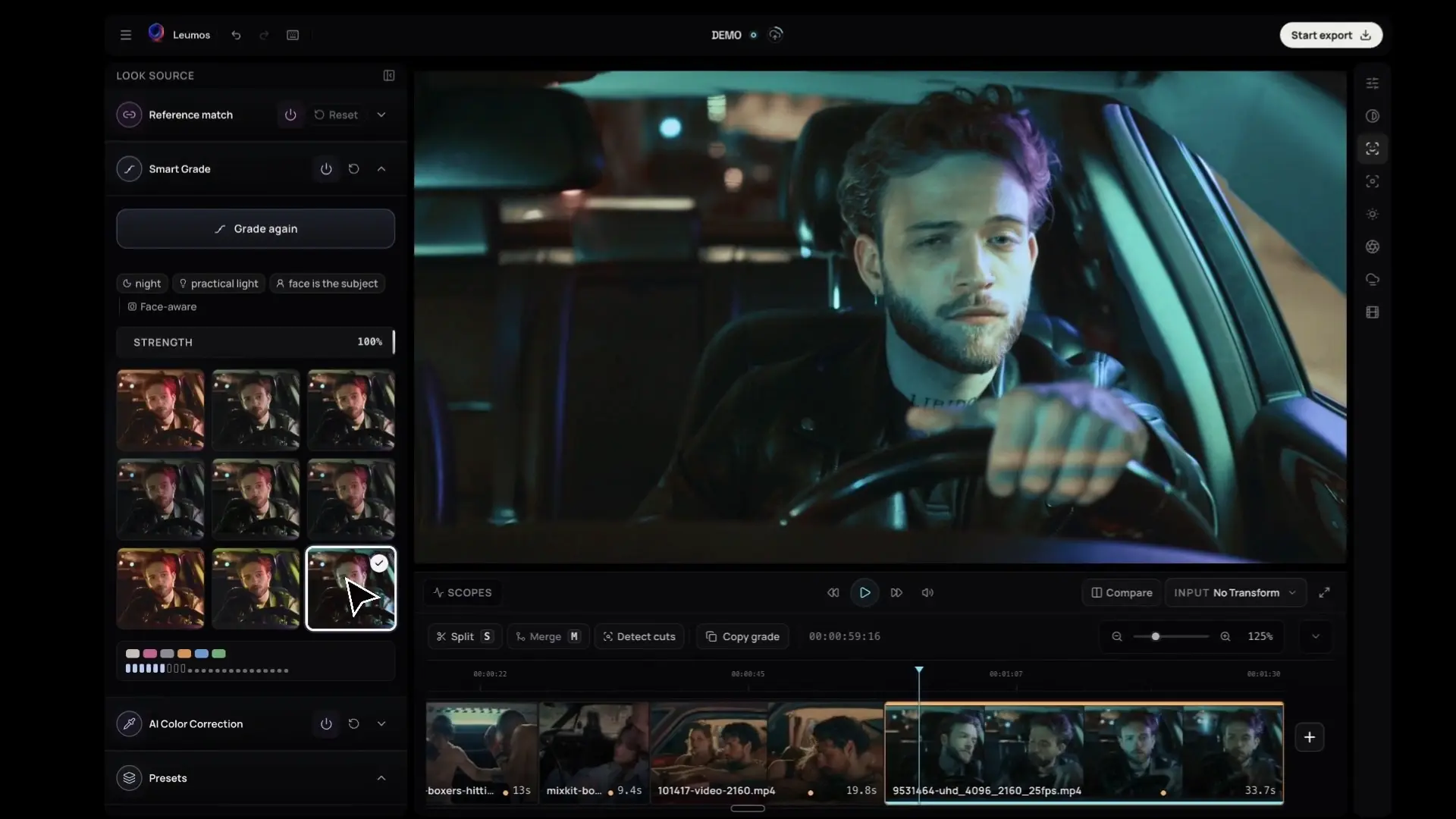
Smart Grade

One press.
A shortlist for the shot.

Leumos reads the selected shot—light, faces, place—and offers only what suits it. Pick one, set the strength.

Grade your first shot
Smart Grade recording in Leumos Studio

Reference match comparison

One scene, matched to a reference.

Classroom source frame used in the Leumos reference-match comparison.
Source
Leumos output
Portrait reference image supplied for the Leumos comparison.

Reference

Supplied comparison · source, reference, and Leumos output.

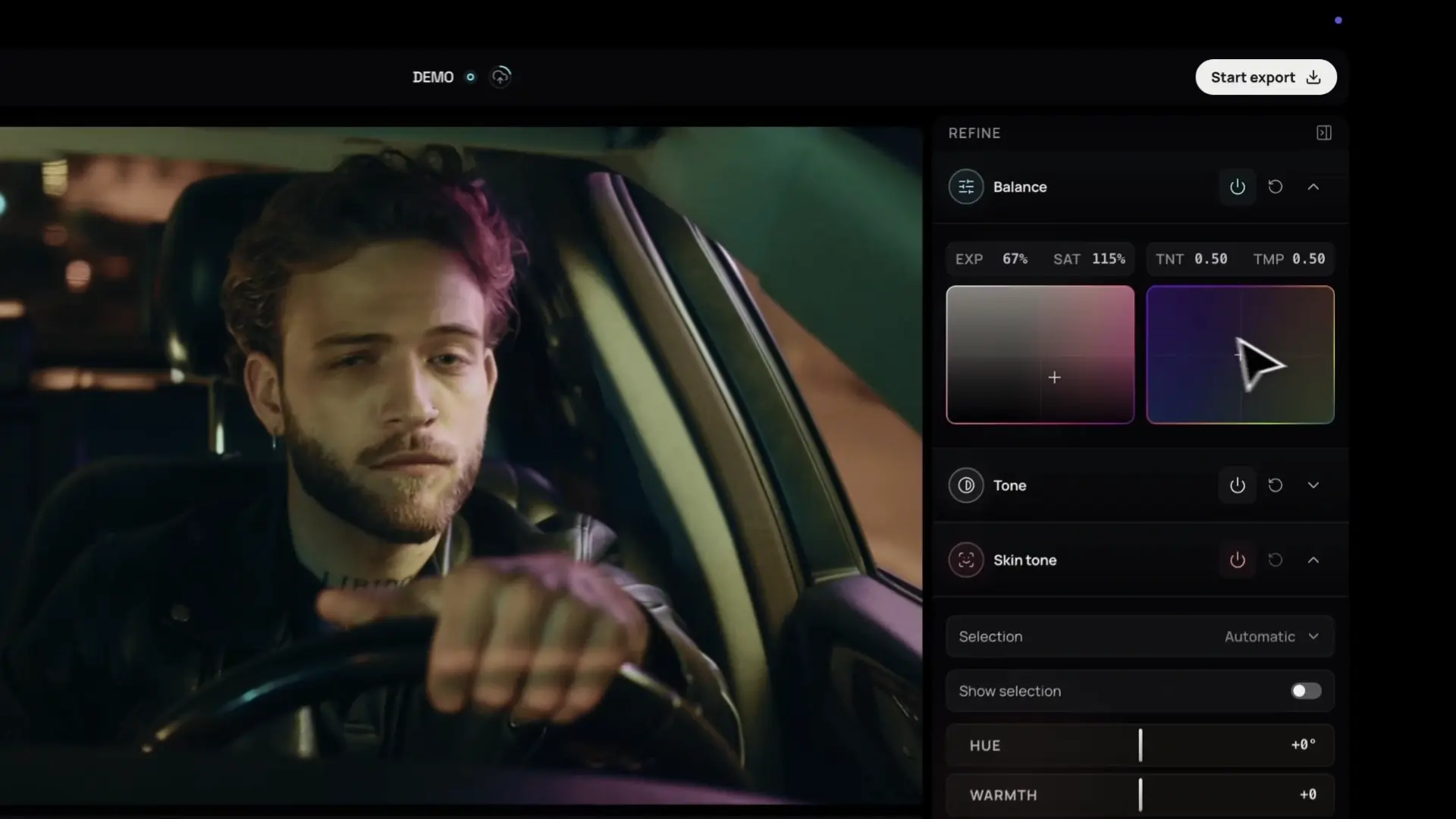
Manual grading controls recording in Leumos Studio

Manual controls

Fine-tune
the whole look.

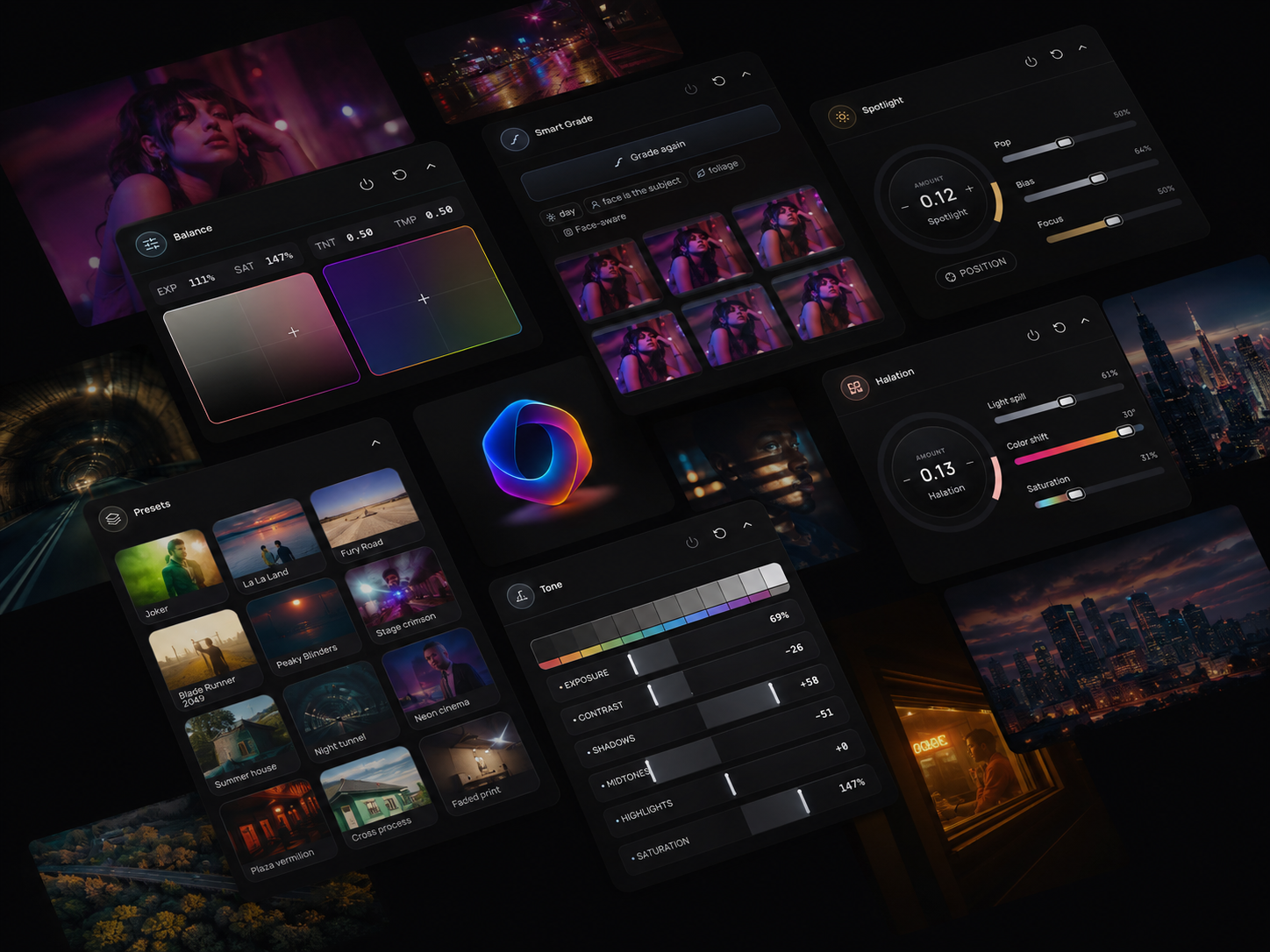
Set exposure and white balance with Balance, shape contrast with Tone, and refine faces with Skin tone. Adjust sharpness with Detail, guide attention with Spotlight, then add Halation, Diffusion and Texture for glow, softness and grain.

Open an account

Secondary grading

Refine what matters.Keep the look yours.

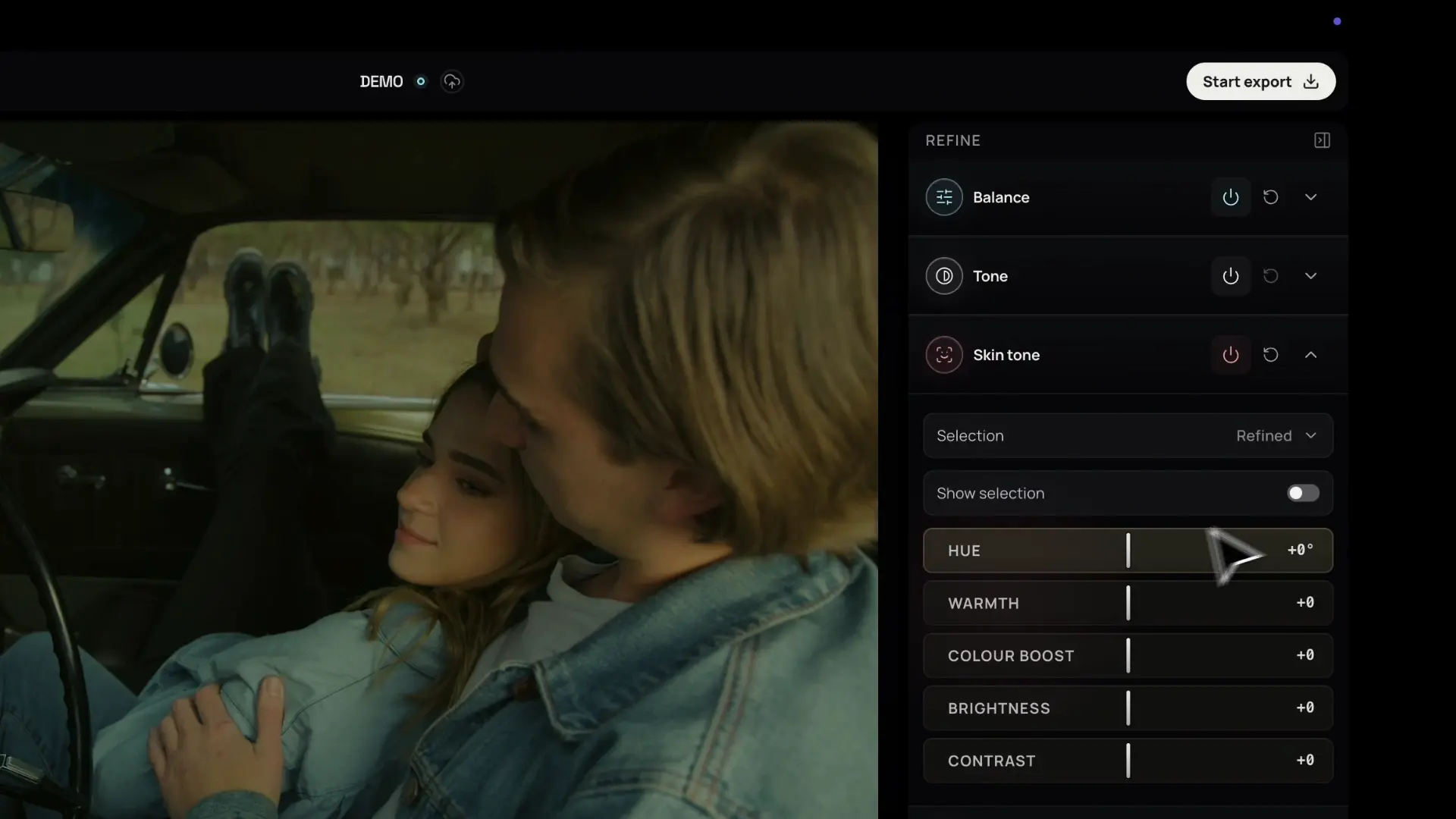
Refine skin tone with targeted hue, warmth, saturation and brightness controls while shaping the rest of your grade.

Skin tone controls recording in Leumos Studio

Scopes & precision

An eye for the look.
Scopes for the detail.

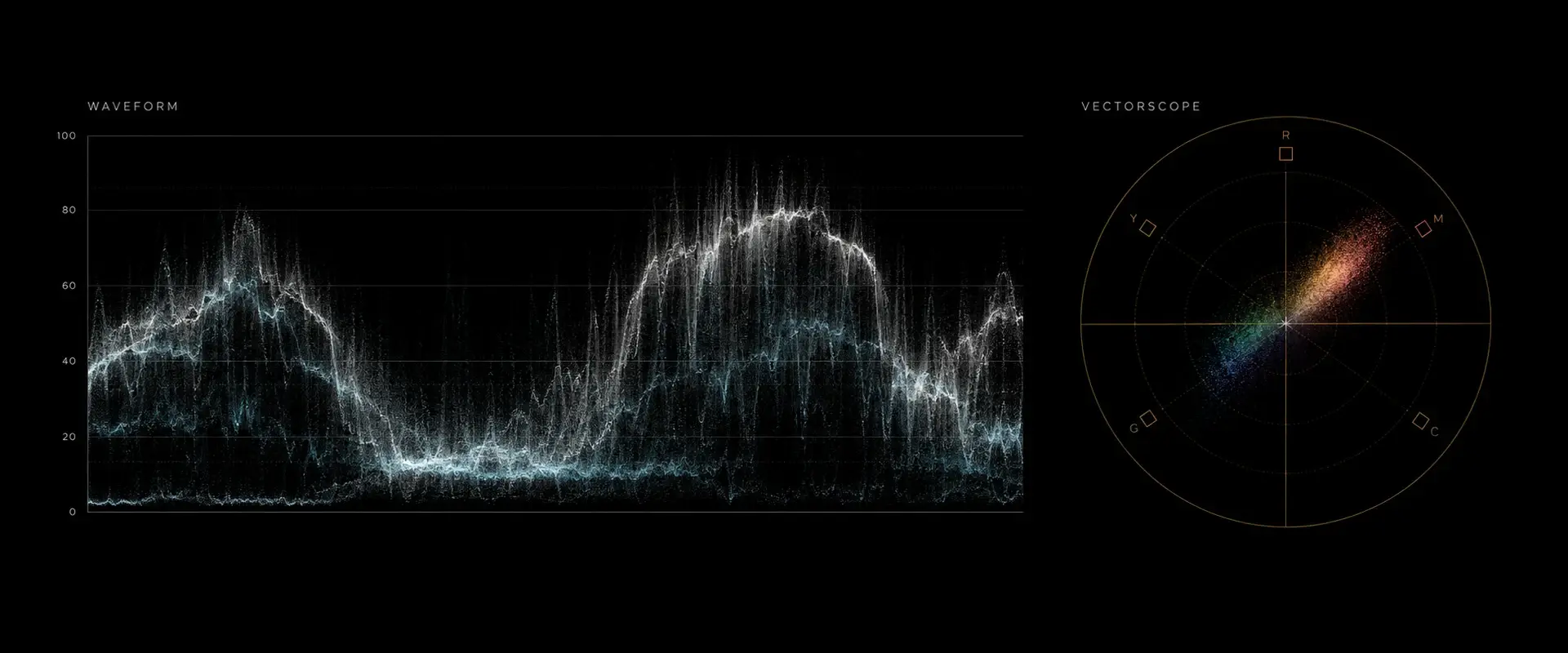
Start with AI-assisted grading, then use the waveform and vectorscope to judge exposure, color balance and saturation as you refine your shot.

Illustration of a luminance waveform and a color vectorscope
Waveform · Exposure and contrast. Vectorscope · Color balance and saturation.Illustrative scopes visualization

Plans & pricing

Plans that fit the work you deliver.

Free

For trying the selected-scene workflow on your own footage.

$0/ month

Start free

AI grading

  • 10 reference matches a month
  • Smart Grade
  • AI Color Correction

Manual controls

  • Balance · Tone
  • Skin Tone · Detail
  • Copy Grade

Looks & finishing effects

  • Cinematic presets
  • Spotlight · Diffusion
  • Halation · Texture

Delivery & storage

  • 1080p 8-bit export, no watermark
  • 10 projects
  • Local footage; no cloud backups
  • Cut detection & timeline review

Lite

For everyday edits and 4K delivery.

$19/ month

Choose Lite

AI grading

  • 50 reference matches a month
  • Smart Grade
  • AI Color Correction

Manual controls

  • Balance · Tone
  • Skin Tone · Detail
  • Copy Grade

Looks & finishing effects

  • Cinematic presets
  • Spotlight · Diffusion
  • Halation · Texture

Delivery & storage

  • 4K 10-bit export, no watermark
  • 25 projects
  • 4 GB cloud storage · up to 4 GB per project
  • Cut detection & timeline review
Recommended

Studio

For regular 4K finishing, with footage kept in your account.

$39/ month

Choose Studio

AI grading

  • 200 reference matches a month
  • Smart Grade
  • AI Color Correction

Manual controls

  • Balance · Tone
  • Skin Tone · Detail
  • Copy Grade

Looks & finishing effects

  • Cinematic presets
  • Spotlight · Diffusion
  • Halation · Texture

Delivery & storage

  • 4K 10-bit export plus a ProRes 422 HQ master, no watermark
  • Unlimited projects
  • 20 GB cloud storage · up to 10 GB per project
  • Cut detection & timeline review

The essentials

A few things to knowbefore you open the studio.

Leumos AI is a browser-based color grading studio for filmmakers and editors. Import footage, match a shot to a reference image, refine the grade with manual and AI-assisted controls, and export graded video.

Generated chromatic architecture with cyan, magenta, and amber light refracting through glass on the right and dark copy space on the left
Generated · not product output

Color grade in a tab.

Start grading for free. No download or credit card required.

Create your free account