Free LUT · iPhone Apple Log
Free Apple Log to Rec.709 LUT
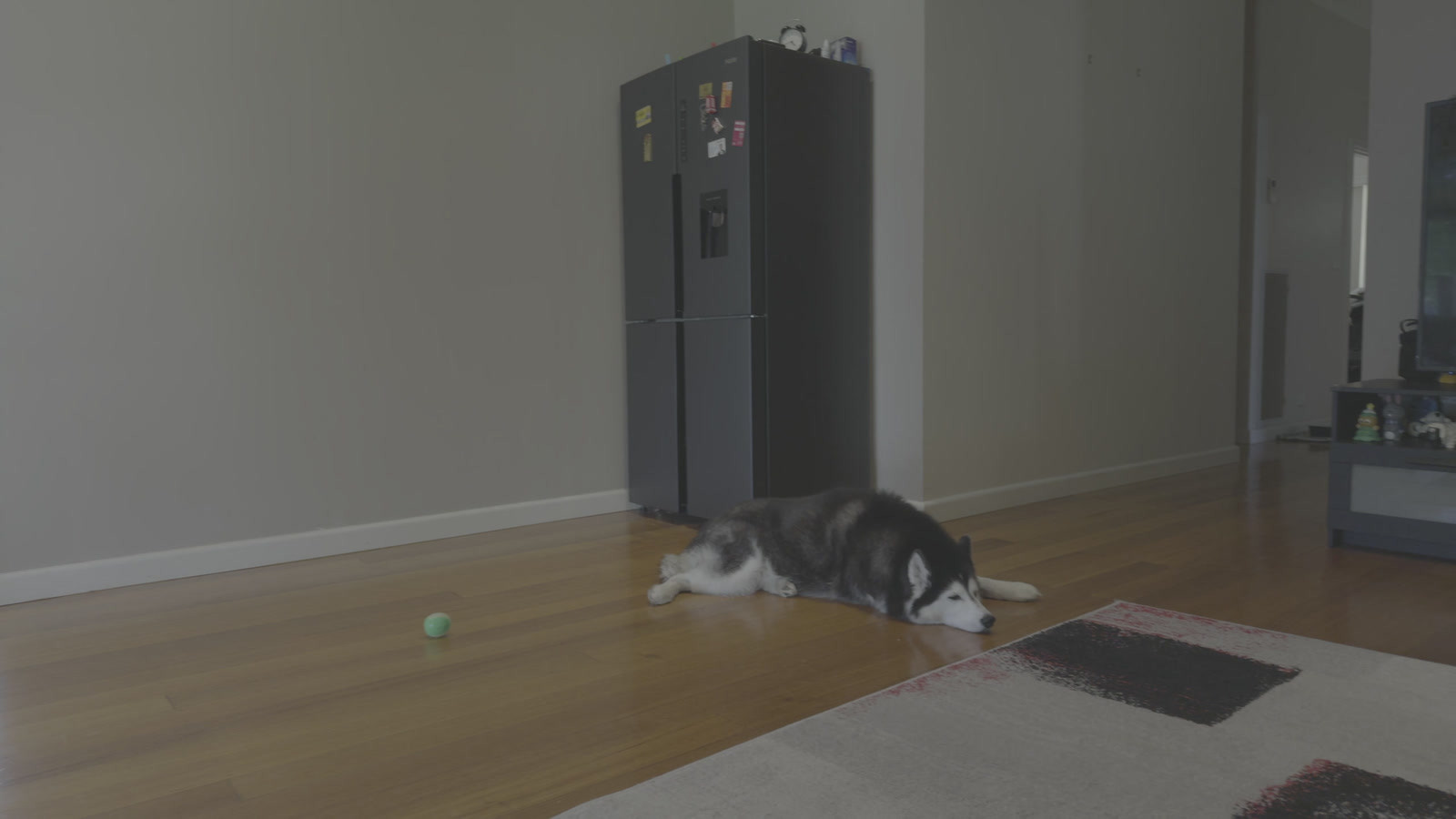
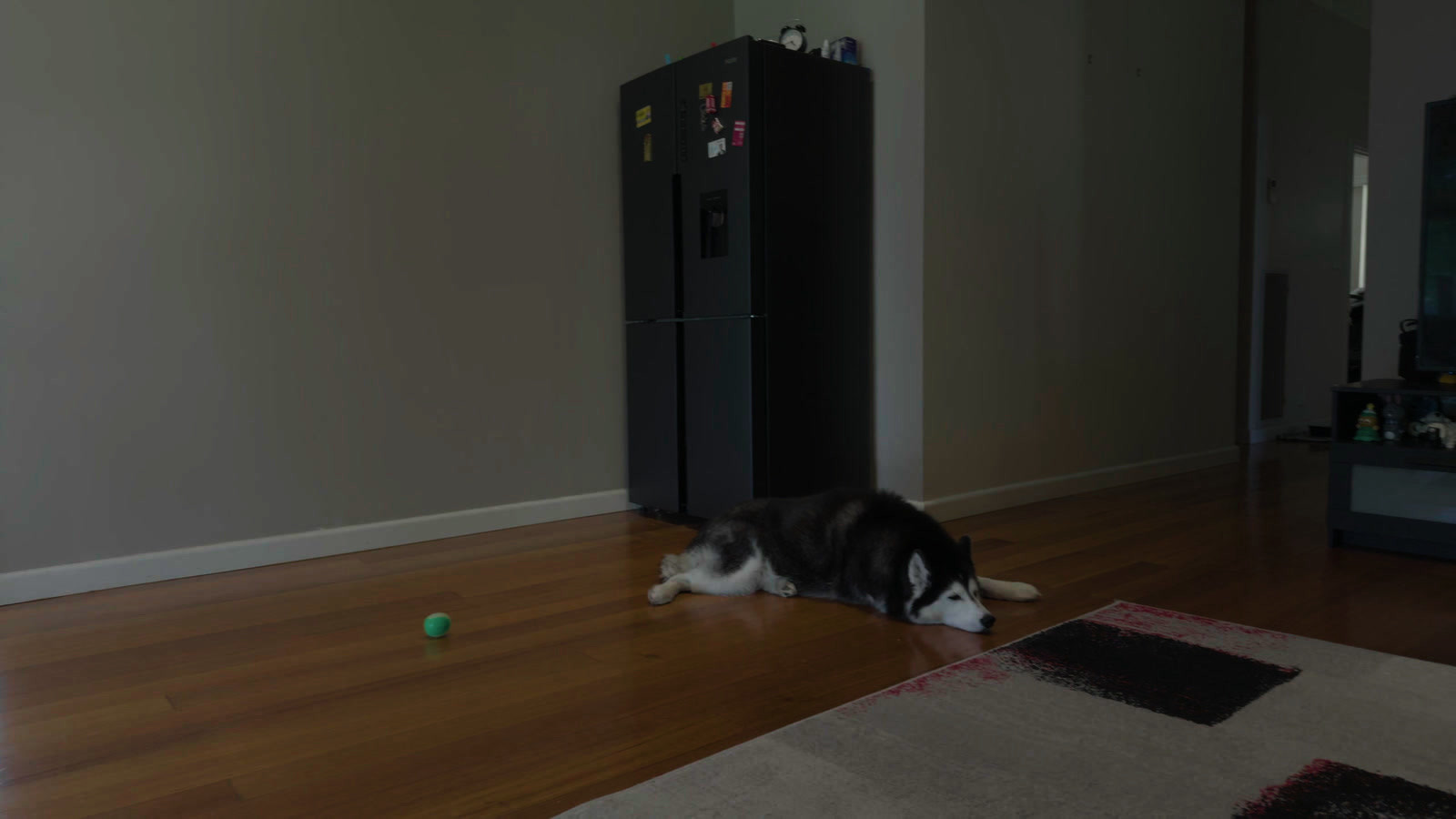
A neutral Apple Log to Rec.709 LUT (.cube) for iPhone 15 Pro and 16 Pro footage. Free for any project, no email. iPhone 17 Pro records Apple Log 2: this file is not for it.
Measured on real iPhone 16 Pro Apple Log footage against the ACES 2.0 render it is sampled from: the 65-point file averages ΔE 2000 0.05, where about 1.0 is the smallest difference an eye can see.
All files: Apple Log 33-point (0.3 MB) · Apple Log 65-point (2.3 MB).
Load it
Turn the editor's own conversion off.Then add the file.
DaVinci Resolve
- Project Settings, Color Management, Lookup Tables: click Open LUT Folder, copy the file in, then click Update Lists. In the same panel, set 3D Lookup Table Interpolation to Tetrahedral.
- On the Color page, right-click the clip's thumbnail, or a node in the Node Editor, and pick the file from the 3D LUT submenu.
- Leave the clip's own conversion off: no Color Space Transform on it, and color science on DaVinci YRGB.
From DaVinci Resolve 20 reference manual, Chapter 6 “Project Settings” (Lookup Tables, pp. 151-152) and Chapter 150 “Using LUTs” (pp. 3408-3409) (Blackmagic Design, read 26 Oct 2026).
Premiere Pro
- Modify, Interpret Footage, Color Management: set Override Media Color Space to Rec.709, so Premiere does not convert the log itself.
- Lumetri Color, Basic Correction: choose the file under Input LUT.
From Basic color correction options, Premiere Pro (Adobe, read 26 Oct 2026) and Color management options, Premiere Pro (Adobe, read 13 Sep 2026).
Final Cut Pro
- No file needed if you finish in Final Cut Pro: the Camera LUT menu in the Info inspector converts Apple Log on its own.
- To use this file instead, so the picture matches your other apps: in the Info inspector, set Camera LUT to None, which turns off log processing.
- Effects browser, Color: double-click Custom LUT. In the Video inspector's Custom LUT section, open the LUT pop-up menu, choose Choose Custom LUT and pick the file.
From Apply LUTs in Final Cut Pro for Mac (Apple, read 26 Oct 2026).
CapCut desktop
- Adjustment, LUT, Import: pick the 33-point file.
Not yet tested by us in CapCut.
From Add LUTs to a video with the CapCut desktop video editor (CapCut, read 26 Oct 2026).

Before you download.
Why does my iPhone footage look gray?
Apple Log is flat on purpose: it keeps more light for grading, and this file turns it into normal Rec.709. Still gray after the LUT? The editor may have converted the clip twice. More in how to color grade Apple Log footage.
Do I need this in Final Cut Pro?
Not if you finish there: its Camera LUT menu converts Apple Log on its own. The file gives you the same conversion in DaVinci Resolve, Premiere Pro and CapCut. On a PC? See Apple Log on Windows.
33 or 65 points?
65 points for finishing in DaVinci Resolve, Premiere Pro and Final Cut Pro. 33 points for phone apps, cameras and monitors that read 33 only; it stays within 0.13 ΔE 2000 on average.
Can I use it on client work?
Yes. Free for any project, including paid client work; share only unchanged; don't sell.
Built from the Apple Log color space in OpenColorIO-Config-ACES 4.0.0. Apple is a trademark of Apple Inc. Not affiliated with Apple.
How was it measured?
Version 1 of the file is sampled from a full ACES 2.0 render. On 3 Nov 2026, 3 iPhone 16 Pro clips (Final Cut Camera, ProRes 422 HQ) went through both, and five frames of each were compared in ΔE 2000: 95% of pixels are under 0.12 for the 65-point file. No LUT at all misses by 12.32 to 13.47.
Grade your own clip.Free, in your browser.
Start grading free