Color grading is the process of shaping a video's brightness, contrast, and color to give its shots a deliberate look and help them belong together. It includes creative choices, but a finished video grade also has to hold across cuts and motion, then survive the final export.
You might want a daylight scene to feel cooler and more distant, or an interior to feel warmer and quieter. The decision is visual; the work is checking that the look still makes sense when a face turns, the camera moves, and the next shot begins. A single attractive frame is useful evidence of a look, but it is only one frame.
What changes when you grade a video?
Correction gives the footage a dependable starting point: interpret the source correctly, then fix unwanted exposure or color casts. Grading makes a creative choice on that base, such as darker midtones, warmer highlights, or less distracting background color. Blackmagic describes balancing brightness and color to remove unwanted tints before building a creative look in its DaVinci Resolve Color guide.
Log footage makes the starting point especially important. Its flat appearance may be intentional; the chosen input transform must match the source encoding and gamut before you judge a look. If you are unsure what a camera's log curve means, use the log format reference before grading. A transform interprets the source; it is not a creative style by itself.
The look then needs continuity. Compare adjacent shots at the cut, watch faces and important neutrals as they move, and inspect the dark and bright areas on a waveform. A vectorscope helps show where hue and saturation sit. Blackmagic documents both scopes and its shot comparison tools on the Color page. No scope can decide the mood for you, but it can reveal a technical problem your eyes have adapted to.
One classroom frame, before and after
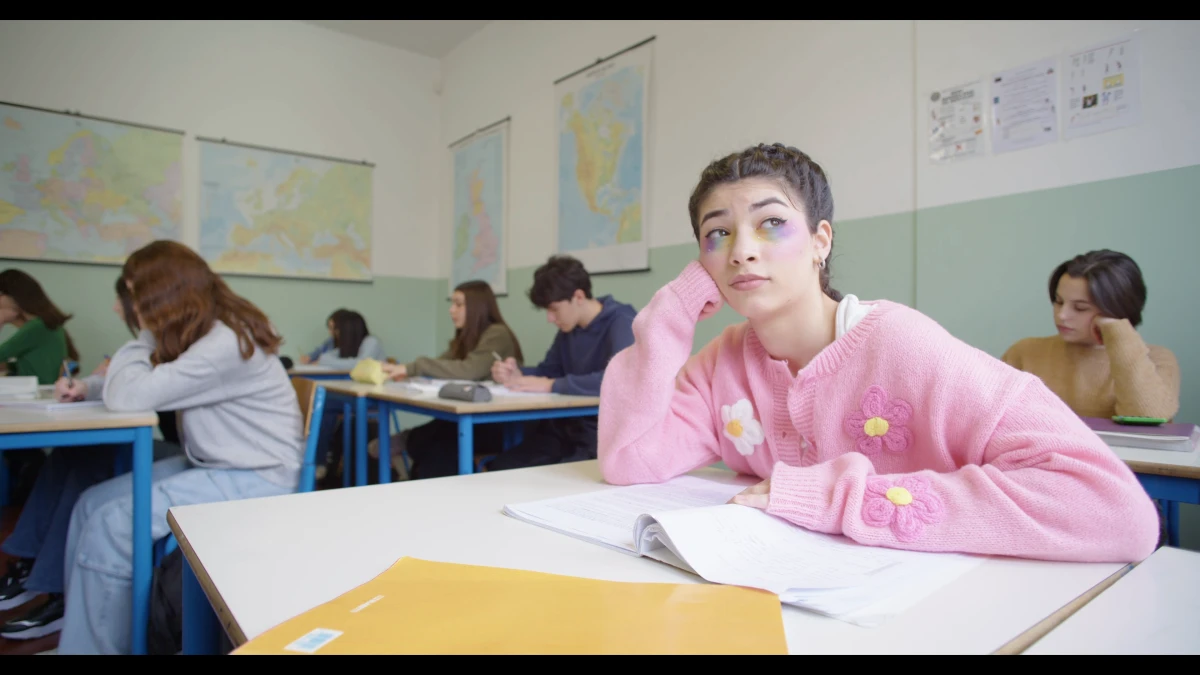
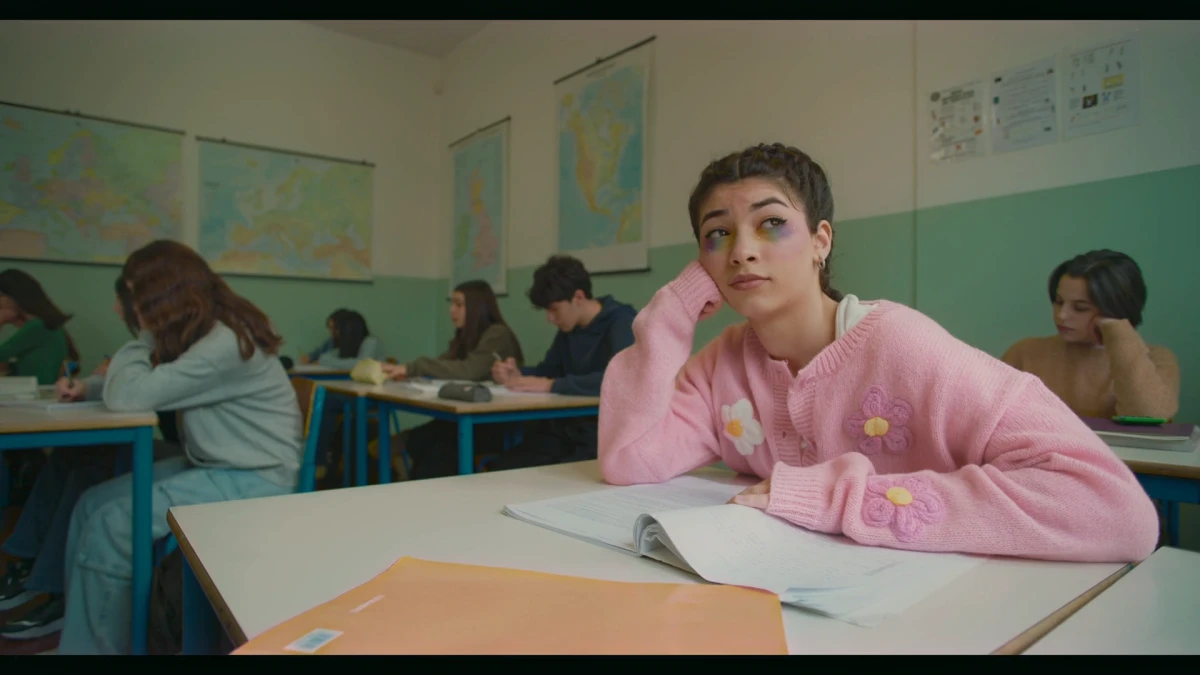
These are two frames from Leumos demo footage: the source and Leumos's output after matching that shot toward a separate reference still. The frame is the same classroom moment, with a student in a pink cardigan. The source reads bright and near-neutral; the match is darker and warmer.
Source frame
Leumos matched output
| Decoded frame | Image dimensions | Median red / green / blue in center crop |
|---|---|---|
| Source | 3840 × 2160 | 176 / 170 / 162 |
| Matched output | 1920 × 1080 | 113 / 111 / 90 |
The displayed previews are resized for page load. These figures were calculated from the full-resolution source frame and original Leumos output frame, before the preview resize. Each original was decoded to 8-bit RGB; the median of each channel was calculated over the center crop from 10% to 90% of both image width and height. The originals' different dimensions and compression affect these descriptive values. They show that the sampled output is darker and relatively warmer; they do not score quality, speed, pixel parity, or how the grade behaves in motion.
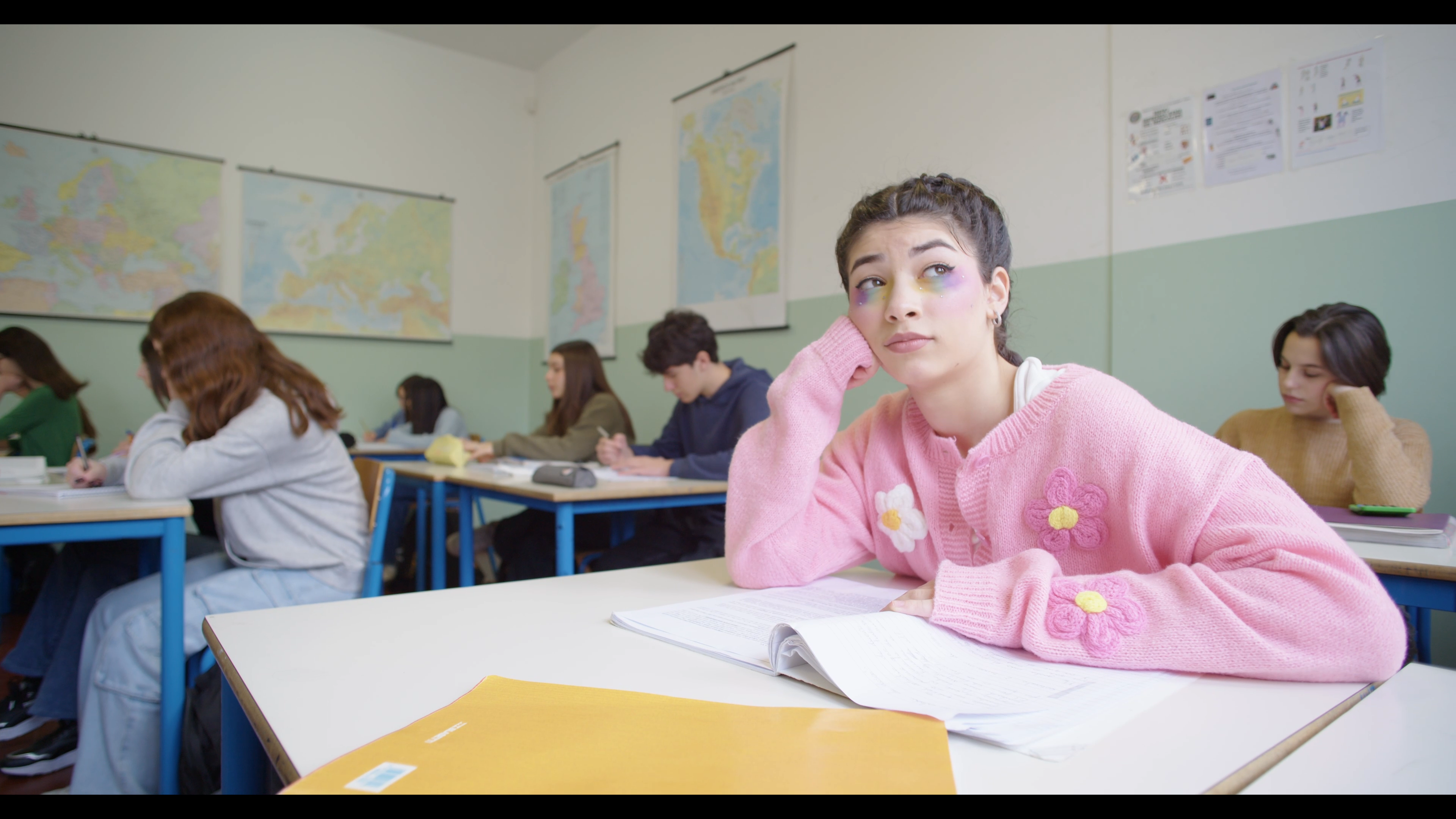
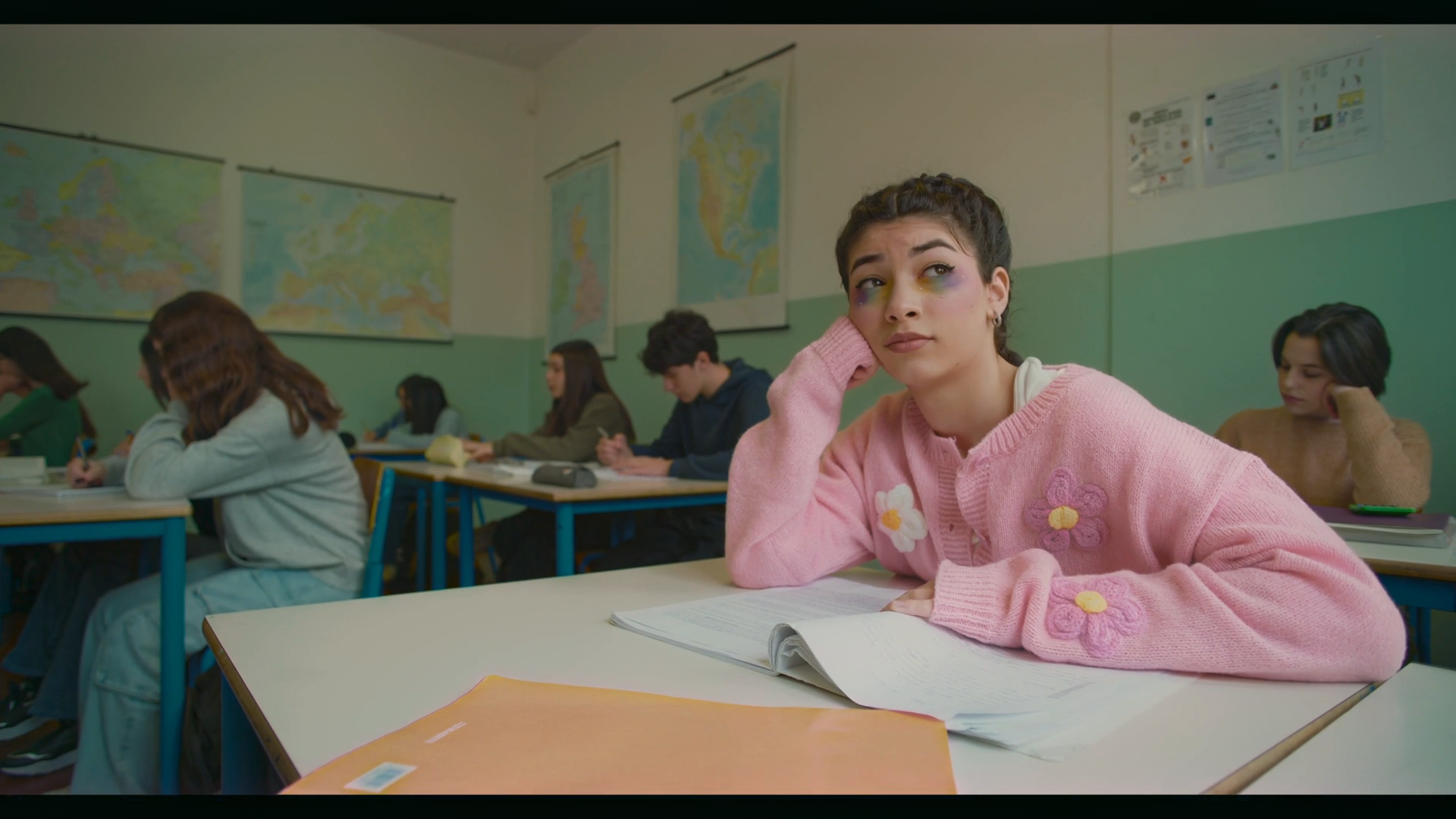
The match also has a flaw: the red shadows are too dark. We would review and adjust the shadows before calling this a finished grade. See the complete source, reference, and output example to judge the target image and the result together. Leumos made this output, so this is a disclosed product example, not an independent comparison.
Is photo color grading the same thing?
A photograph can be graded for mood with curves, white balance, brightness, contrast, and color matching. Adobe describes those adjustments in its photography color-grading guide. That is a useful explanation of work on one image.
Video adds time and delivery. A still-image adjustment does not show whether skin holds through a moving shot, whether the next camera angle matches, or whether the exported video keeps the intended look. A LUT made from one frame is a reusable color transform, not proof that every shot is corrected or that a finished video has been exported. If choosing software, ask what it takes in and what it returns: an image, a LUT, or a rendered video.
From reference to finished video in Leumos
Leumos AI is our browser color-grading studio. Import supported video and confirm its input transform, especially for log footage. Choose a shot and a still-image reference, run a match on that selected shot, then inspect the result in motion. A copied grade can start another shot, but each destination needs its own review and refinement; Match shots then carries one graded shot's look across the rest of the edit.
You can keep grading inside Leumos: use the creative and hands-on tools, the dedicated Skin tone control, and waveform and vectorscope displays to refine and check the shots. Export the finished rendered video when the sequence holds together. Available output options depend on your plan. The aim is a deliverable you can watch, not just a promising paused frame.
Where should you go next?
- I want the definition sharpened: read color correction versus color grading for the technical and creative split.
- I want exact steps: follow how to color grade video from source interpretation through export review.
- I need more examples: inspect the before-and-after analysis, including the reference image and visible flaw.
- I need to choose software: compare what each browser color-grading tool accepts and delivers.
If you want to turn your own footage into a finished grade, see how color grading online works in Leumos, then open the free Studio, match a representative shot, refine it, check the sequence, and export the video.
Who and how: Published by Leumos AI, a browser color-grading studio founded by Pravit Gandhi. The frame comparison uses Leumos demo footage and output; per-channel medians were calculated on decoded 8-bit center crops as described above. This is one still-frame example, not a controlled benchmark or proof of motion quality.